Steps
- 1
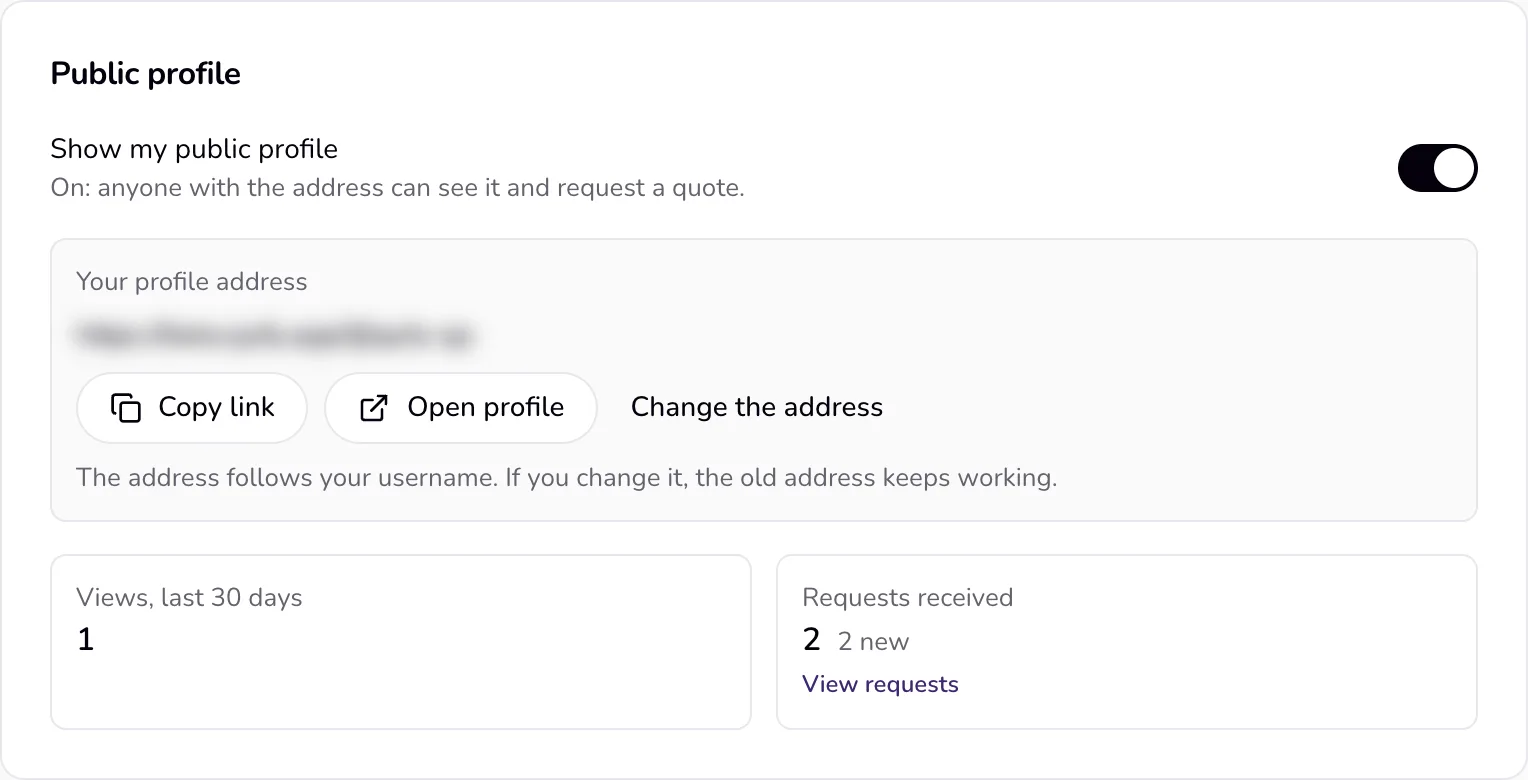
Open Settings → “Public profile”. The profile is off until you turn on “Show my public profile”.
- 2
Choose the profile language (English, Arabic, or both, with a switch for visitors), then the name, picture, headline, country and city, and the languages you work in. The preview beside the form shows the result as you type.

- 3
Add up to 8 services: a name, a short description, an optional “starting from” price, and the usual delivery time. Add your website and portfolio links (Behance, Dribbble, GitHub, LinkedIn, Instagram).
- 4
Save, then press “Copy link” to share the address. For print, use “Download PNG” or “Download SVG”: a QR code labelled “Scan to view my profile”.
Good to know
- Your email, phone, clients, documents, and any rate other than “starting from” are never on the profile. A WhatsApp button shows only if you turn it on.
- The address follows your username. If you change the username, the old address keeps working and opens the new one.
- The header uses the accent from your Documents look, and a shared link shows a preview card with your name and headline.
- Settings shows the profile's views in the last 30 days and the requests received. Search engines do not list profiles for now.
Last updated 8 Oct 2026
Was this helpful?