Steps
- 1
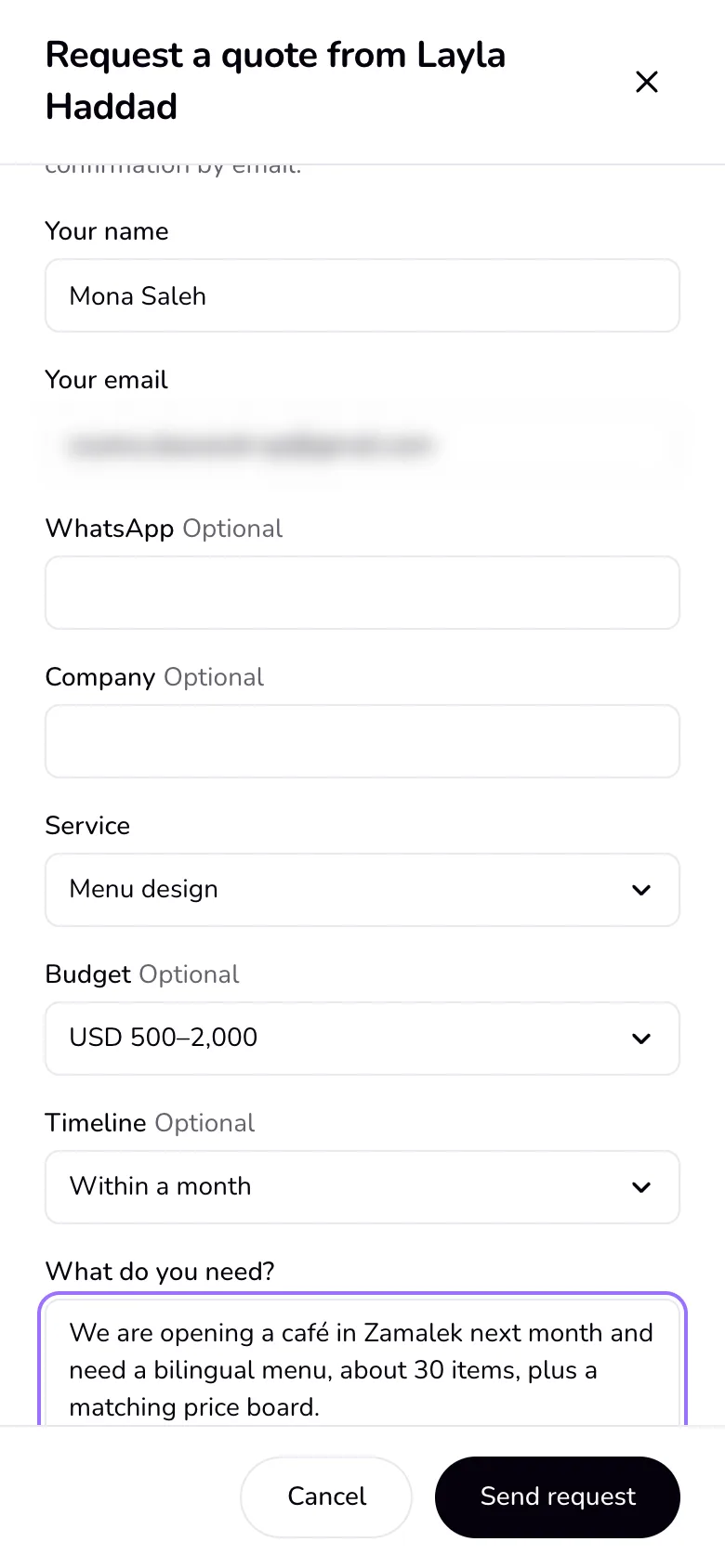
A new request shows in Home's “Needs you”, in the rail, and in the bell, and you get an email. The visitor gets a confirmation email.
- 2
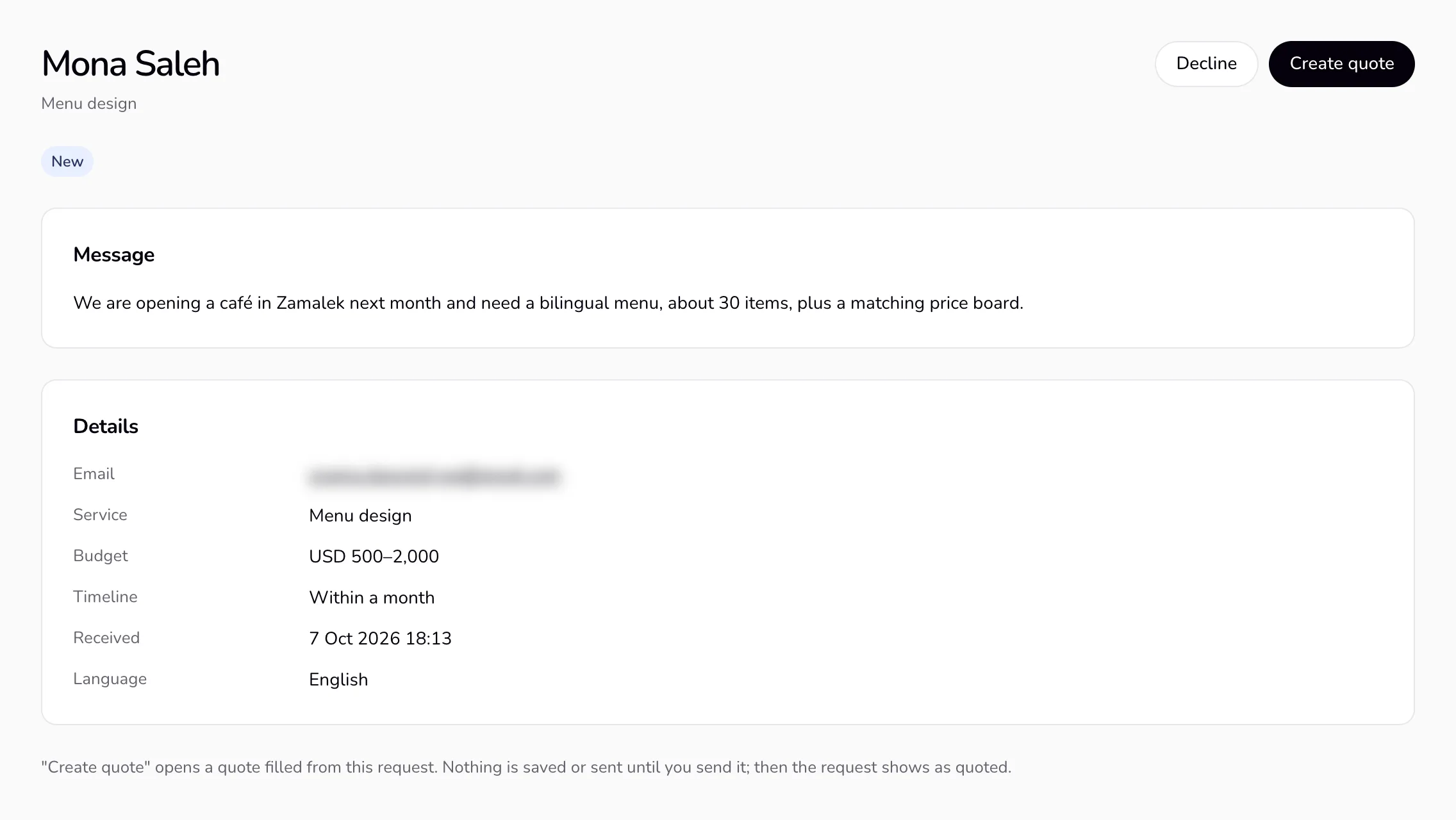
Open the request: the name, email, WhatsApp and company if given, the service, budget, timeline, and the message.
- 3
Press “Create quote”. A quote opens with the client's details and the service as a line; the request text is in the “paste a client message” card, ready to suggest lines. Nothing is saved until you save or send it.
- 4
Send the quote as usual. The client and project are created then, and the request shows as quoted. Or press “Decline”, with an optional short reply emailed as you.
Good to know
- Requests have spam guards: a hidden field for bots, a minimum time on the page, limits per sender and per profile each day, and no file uploads (links only).
- A visitor can't see your other requests, clients, or documents. Only you see your requests.
- To delete a request, open it and choose “Delete request” in “⋯”. A quote you made from it stays. Requests are deleted with your account, and a declined request is deleted 12 months after you declined it.
Last updated 8 Oct 2026
Was this helpful?