Steps
- 1
Open “Settings” and choose “Account” in the bar of sections.
- 2
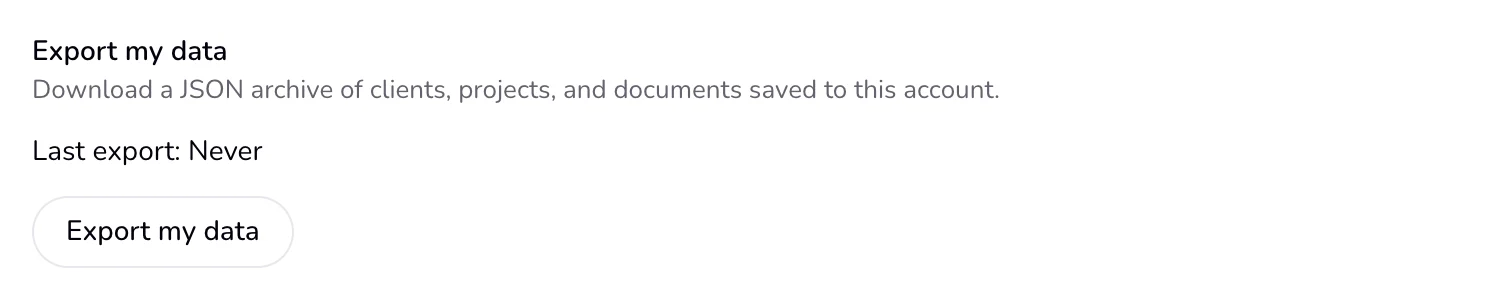
Under “Export my data”, press the “Export my data” button. The line above it shows your “Last export”.
- 3
Your browser saves a file named qufy-export.json.
Good to know
- The file holds: your account (email, username, name, language and dates); your profile, with business details, payment details and document look; clients; projects; documents; signed-in devices; client links, with their status and dates; signatures, with the signer's name, the image's file path and the date; time sessions; reminders; and notifications.
- It never holds your password, the secret part of client links (so the file cannot open a client page), or the IP address recorded when a client signs.
- The file is plain text that any text editor can open. It contains client details, so keep it somewhere safe.
- You must be signed in to export. Export before you delete your account if you want a copy. Qufy keeps the date of your last export, and it also shows beside the section.
Last updated 6 Oct 2026
Was this helpful?