Before you start
- The reminder comes from the Mac app, so Qufy needs to be running (in the menu bar is enough) and signed in.
Steps
- 1
In the Mac app, press your name at the bottom of the sidebar and choose “Settings”.
- 2
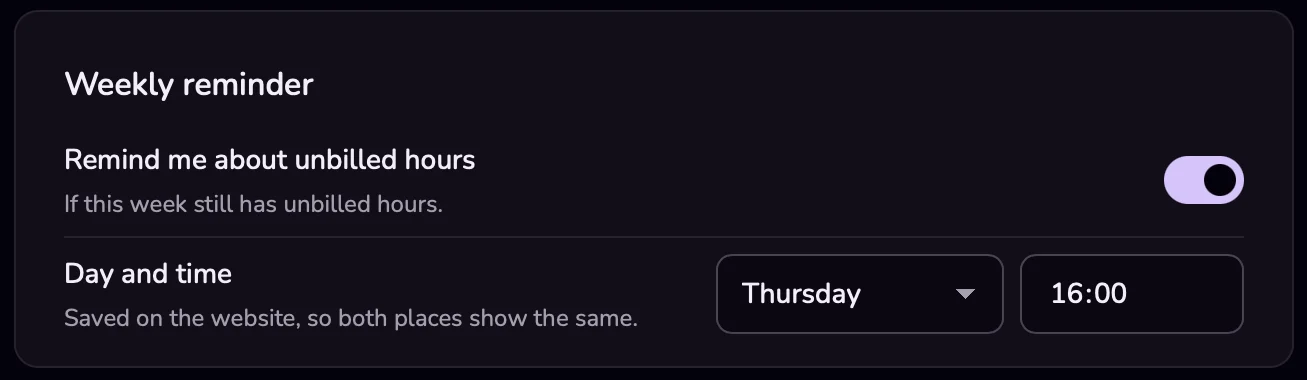
Under “Weekly reminder”, turn on “Remind me about unbilled hours”. By default it comes on Thursday at 16:00.
- 3
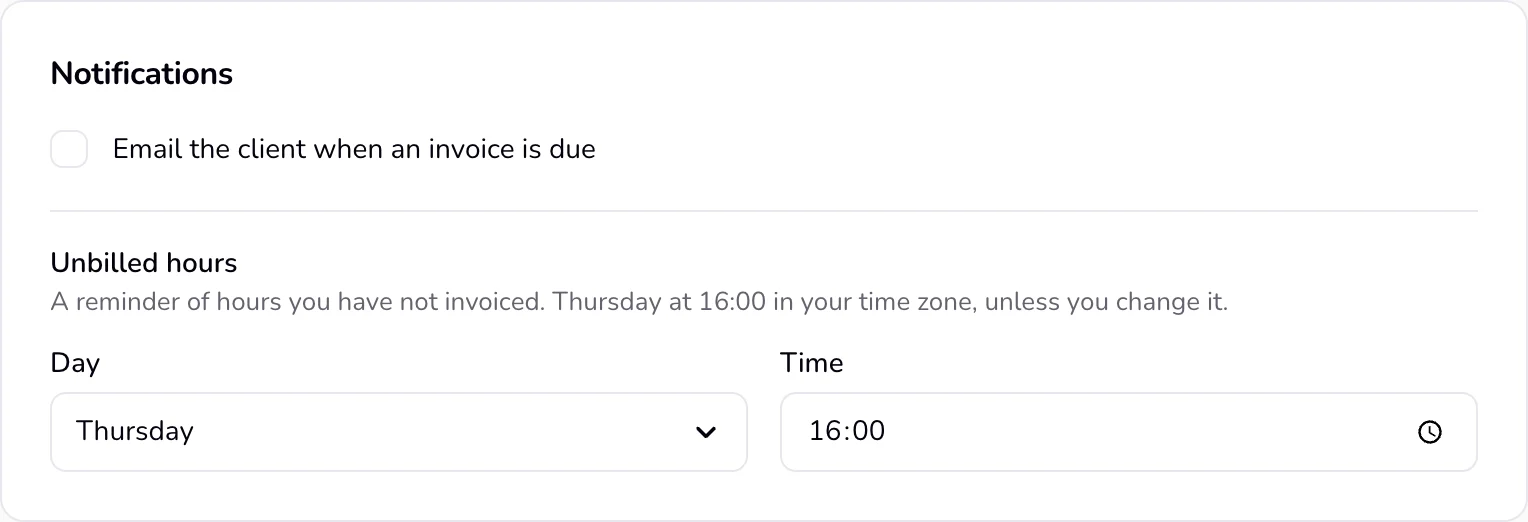
To change the day or time, open the website, go to Settings, and choose “Notifications” in the bar at the top.
- 4
Under “Unbilled hours”, choose a “Day” (or “Off”) and a “Time”.
- 5
Press “Save changes”. It appears under the fields once you change something.
Good to know
- The notification is titled “Hours still to invoice” and names the project and the amount. Its “Invoice this week” button opens an invoice filled from your hours on the website (nothing is saved until you save it); a click on the notification itself opens Qufy.
- It comes at most once a week, on the chosen day, at the chosen time or later that day while Qufy is running. If nothing is unbilled, it stays quiet.
- The day and time can be changed only on the website. Saving there also stores your browser's time zone.
- Turning the switch off in the app also sets the day to “Off” on the website. Turning it on again brings back your previous day and time, with your Mac's time zone.
- Under “Day and time”, the app's Settings shows the day and time you chose on the website.
- Only the Mac app sends this reminder. There is no email version.
Last updated 6 Oct 2026
Was this helpful?