Before you start
- The sessions are finished (the timer was stopped) and have an hourly rate. Hours on fixed-price and monthly retainer projects are not invoiced this way.
Steps
- 1
From Home: in “Needs you”, on the row “Unbilled time older than a week”, press “Invoice hours”. This takes all of that project's unbilled hours.
- 2
Or from the project page: press “Invoice hours” with the amount in its “Next step” card, or “Invoice hours” under “Money” at the side. This also takes all of the project's unbilled hours.
- 3
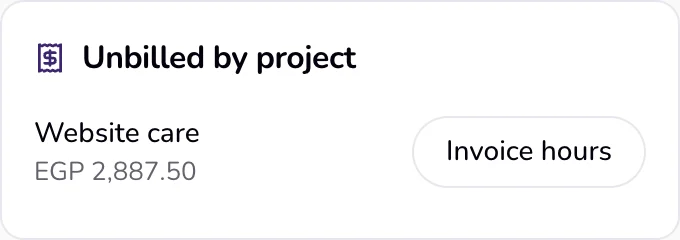
Or from the Time page: press “Invoice hours” next to the project under “Unbilled by project”.
- 4
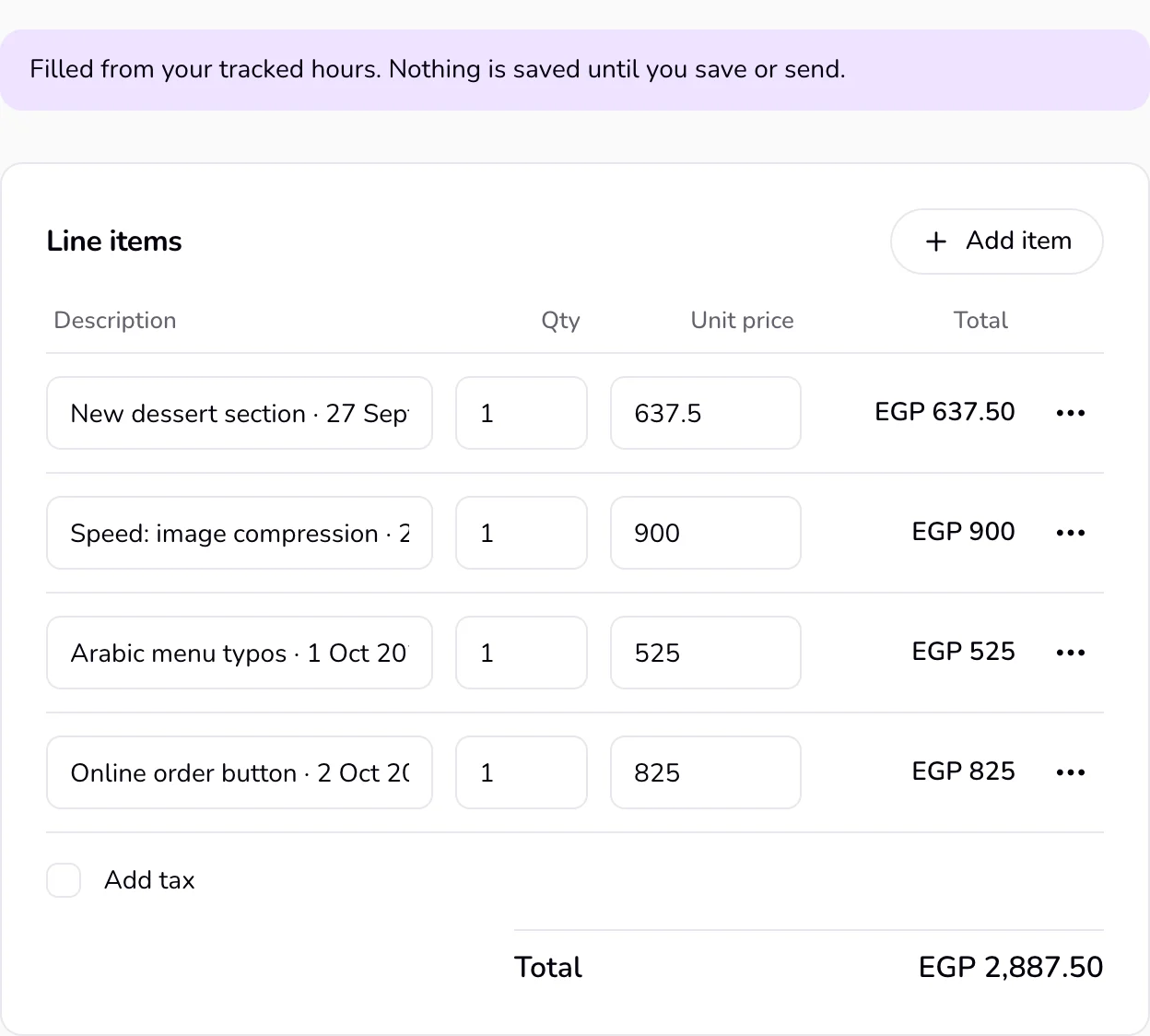
Qufy opens the invoice filled from those hours, with “Filled from your tracked hours. Nothing is saved until you save or send.” at the top. Check the lines and the rate, then press “Save” or “Send”. Close the page instead and nothing is created.
Good to know
- Each session's note becomes the line description. Sessions with the same note on the same day and at the same rate become one line. A session with no note becomes a line with the project name and the date.
- Each line has quantity 1, and its price is the money for that time: whole minutes of each session × its hourly rate, to the cent. The description says the time and the rate, for example Home page layout · 30 Sep 2026 · 4h 20m × EGP 400/h. Sessions with no hourly rate are left out.
- Hours already on another saved invoice of the project are skipped, even when that invoice is still a draft. If you delete that draft, its hours can be invoiced again. Until you save, the filled invoice holds nothing: if you open the same hours twice, only the first one you save keeps them, and the other says “These hours are already on an invoice.”
- Once saved, the draft says: “These hours are on this draft. Check the rate, then send. They stay off any other invoice.”
- A filled invoice has no number yet. It gets the next invoice number when you send it (see “Quote and invoice numbers”).
- In the Mac app, “Invoice hours” on a project and “Invoice this week” on the Stats page open this same filled invoice on the website, and “New quote” in a project's “More” menu opens the same hours as a filled quote.
If something goes wrong
- “These hours are already on an invoice.”
- Every session in that range is on another invoice. Open “Documents” to find it. If it is a draft you do not need, delete it and try again.
- “No unbilled hours in this range.”
- There is no finished, unbilled session in that range (for example this week, from the Mac app). Use “Invoice hours” on the project page instead, which takes all unbilled hours.
Last updated 6 Oct 2026
Was this helpful?