Steps
- 1
Open “Documents” in the sidebar and open the document.
- 2
Press “Turn off link”.
- 3
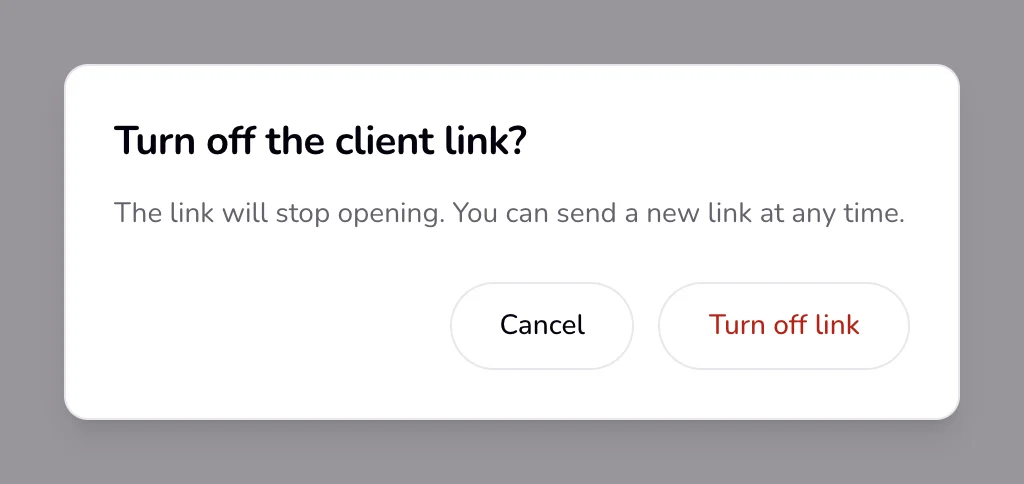
Read “Turn off the client link?” and “The link will stop opening. You can send a new link at any time.”, then press “Turn off link” to confirm.
Good to know
- You can also turn a link off from the document's ⋯ menu in Documents. There it happens at once, with no question.
- From then on the client sees “This link isn't available” and “It may have expired or been turned off. Ask the sender for a new link.” Turning a link off cannot be undone; you send a new link instead.
- To send a new link, press “Send to client” on the document page (shown for drafts and sent documents with no live link), or press “Edit in tool”, then “Send”. The new link has a new address and lasts 14 days.
- Archiving a document does not turn its link off. Turn the link off first if the client should not open it any more.
- Client reminder emails go out only while the invoice has a working link, so turning it off also stops them.
If something goes wrong
- “This link isn't available”
- The link is older than 14 days or was turned off. If the document page still shows “Turn off link”, press it, then send a new link.
Last updated 6 Oct 2026
Was this helpful?